iPlaceGo
Change Your Location.
Move Freely.
Teleport to any location, simulate realistic routes,
or control your movement with Joystick Mode.
- Safest Flying: Change GPS location without jailbreak/rootNEW
- No Cracked Apps Installed: Enjoy flying in original game, no error 12NEW
- All LBS Apps Suitable: PoGo, WhatsApp, Pikmin Bloom, Snapchat, etc.
- Game Enjoyment: 360-degree GPS joystick; Create the shortest route instantly
- Try iPlaceGo Free for 1 Hour: 5 Modes, Scan, Gym, Route, and more!FREE

Works Perfectly with Popular Apps

Key features
One-click teleport
Jump to any location in the world with one click.
Joystick control
Move freely with an intuitive joystick.
Custom routes
Plan routes and simulate real movement.
iPhone and Android
Works seamlessly on iOS and Android devices.
Why Choose iPlaceGo
Powerful features, simple to use, built with privacy and security in mind.

Easy setup
Get started in minutes with a clean interface and simple steps. No technical skills needed.
Safer for your phone
No jailbreak. No root. Your device and data stay secure with every virtual location change.
Use Cases
iPlaceGo works with the apps you use every day.

Games and AR Apps
Play location-based games from anywhere. Catch more, explore more, and have more fun.

Dating Apps
Expand your matches and connect with people in new cities and regions.

Social Apps
Share locations, explore content, and interact with friends everywhere.
How it works
Three simple steps to change your location.
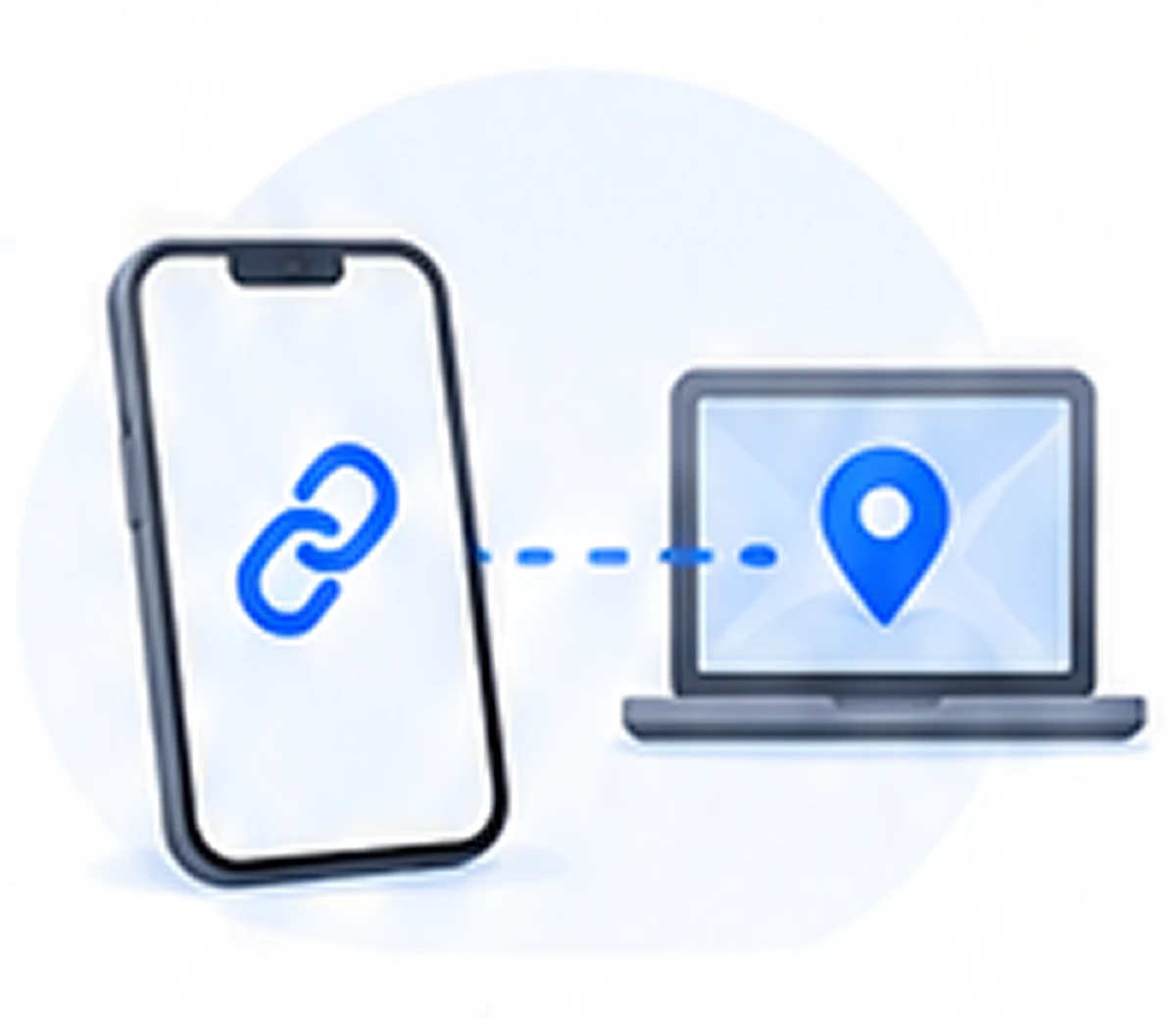
Connect your phone
Connect your iPhone or Android device to your computer.
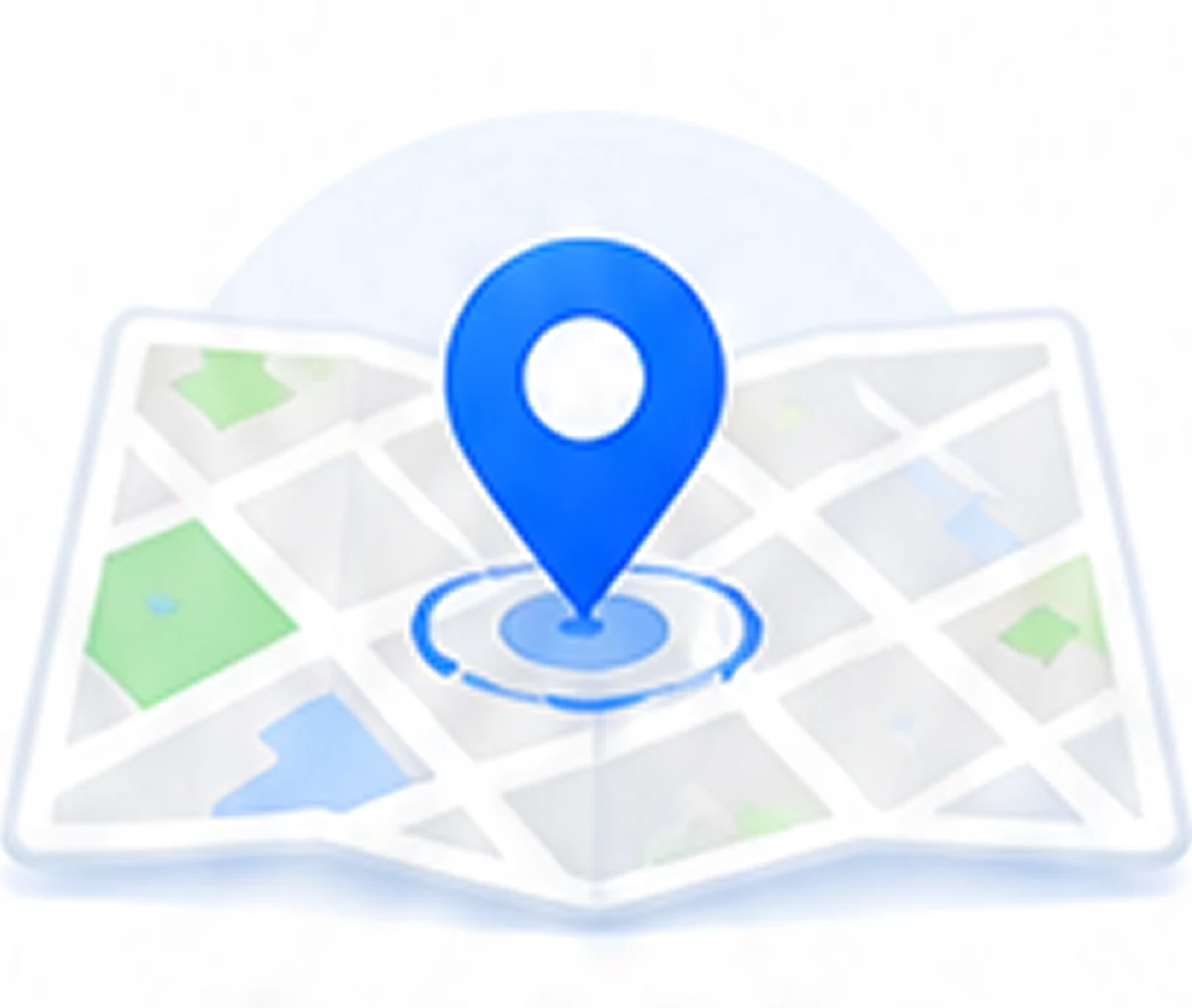
Pick a location
Search the place you want to go or drop a pin on the map.
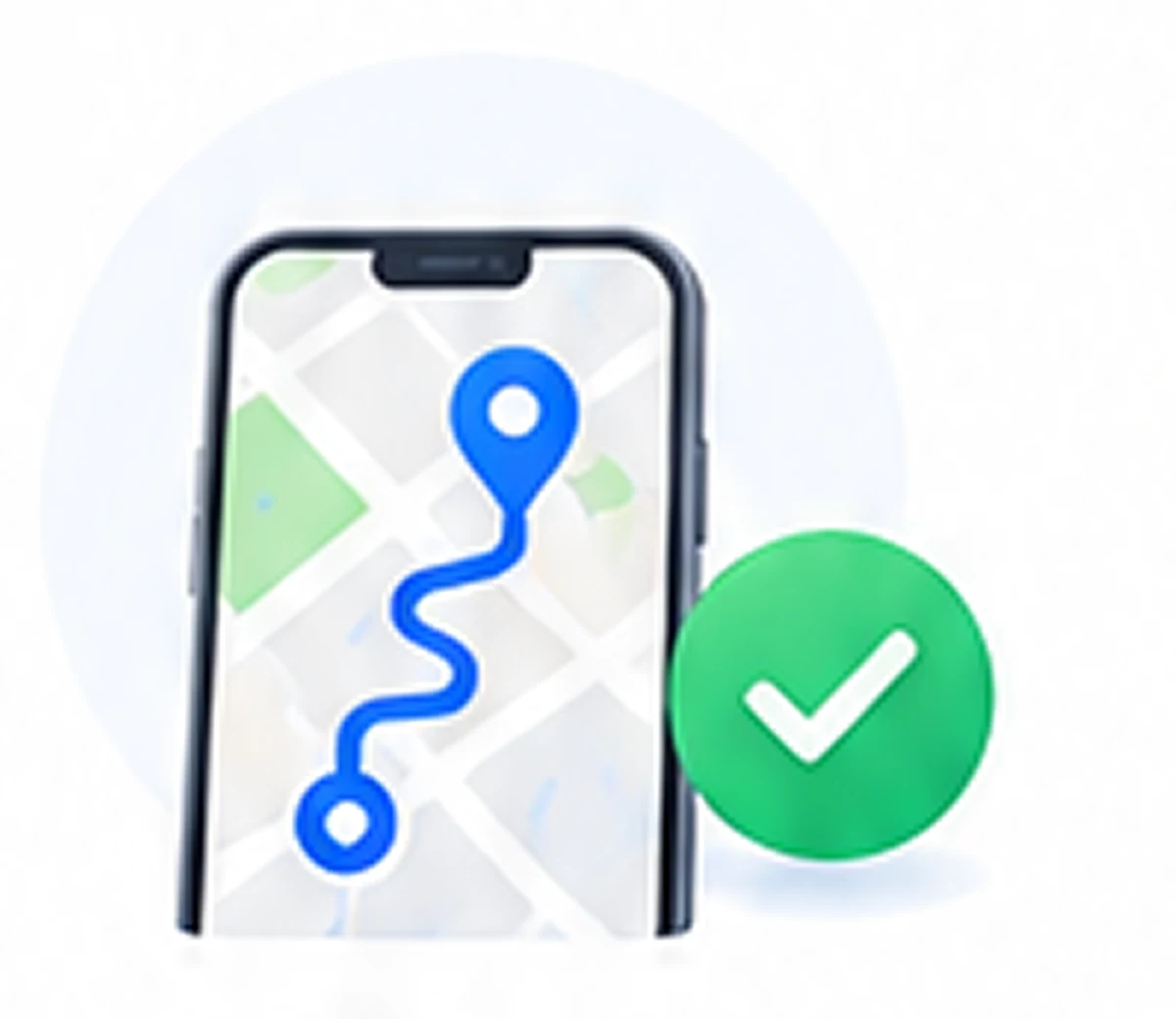
Go!
Teleport instantly and enjoy your new virtual location.
Connect your phone
Connect your iPhone or Android device to your computer.
Pick a location
Search the place you want to go or drop a pin on the map.
Go!
Teleport instantly and enjoy your new virtual location.

Learn more with our guides
Step-by-step instructions, tips, and solutions for all your location needs.
Browse guides